01
Find your inspiration.
A family favourite. A late-night bookmark. Paste your ingredients, or let the Chrome extension bring them in.
THE RECIPE CONVERTER FOR BAKERS
Convert cups to grams, resize for your pan,
or make half a batch. Keep the joy of baking.

Turn cups into grams. Double the good stuff. Make that beautiful recipe work with what you actually have.
Meet your new kitchen companionSame recipe. A little more you.
≈ uses an estimated ingredient density. Always check your original.
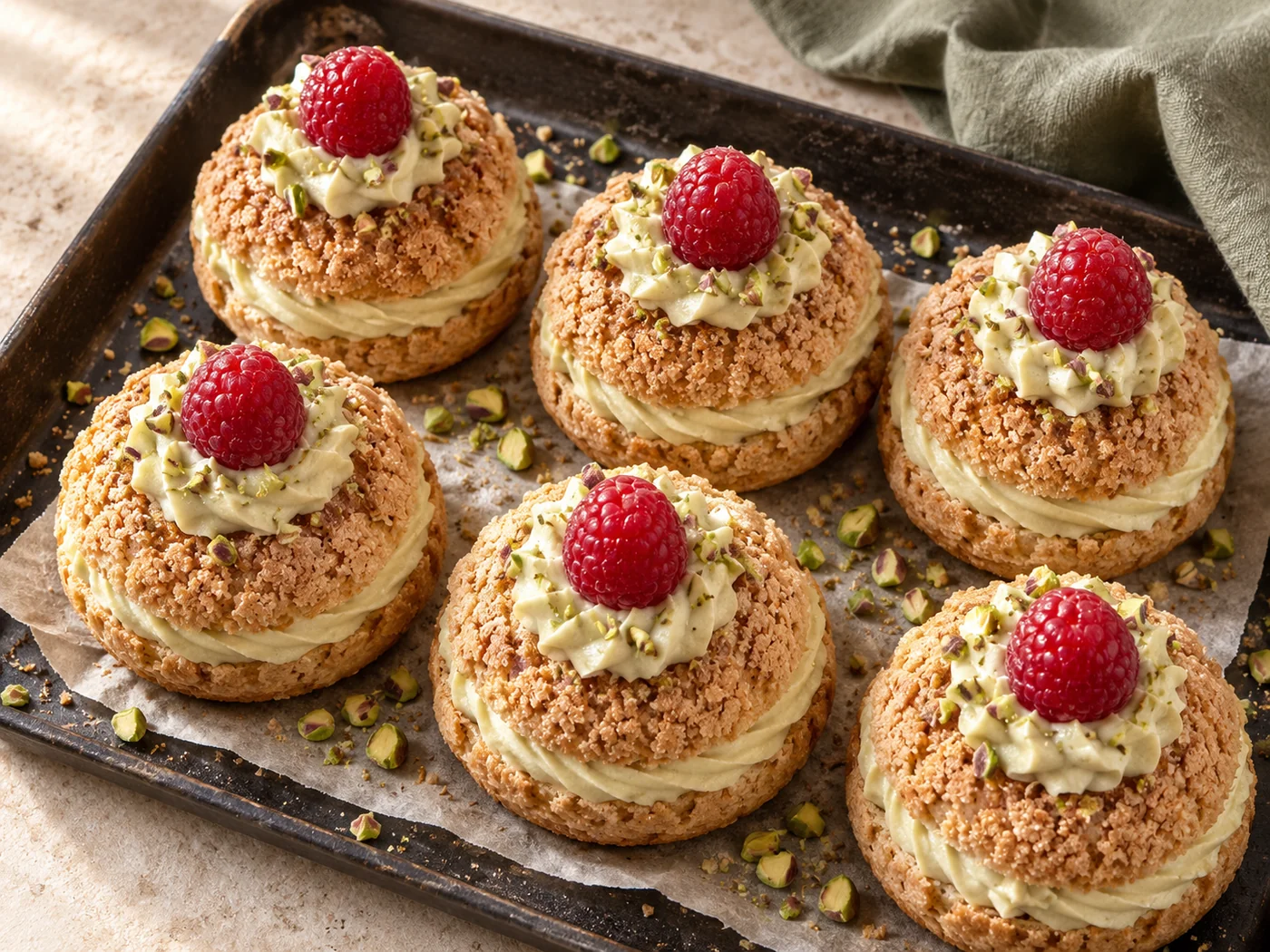 LESS CALCULATING. MORE CREATING.
THE BEST PART IS STILL YOURS
The flour on the counter. The smell from the oven. The first bite you couldn’t wait for.
That’s what we’re here for.
02 / FROM INSPIRATION TO OVEN
A family favourite. A late-night bookmark. Paste your ingredients, or let the Chrome extension bring them in.
Cups or grams? A bigger pan? Half a batch? Find the measurements that work for your kitchen.
Keep the original in view. Copy, print, or take a shopping checklist to your phone with a 24-hour recipe link.
03 / RIGHT WHERE INSPIRATION STRIKES
Found something you’d love to bake? Bring BakeIQ along. The Chrome extension finds the ingredients and helps you make them your own.
Add to ChromeFree on the Chrome Web Store · No BakeIQ account needed
2 cups all-purpose flour
½ cup sugar
250 ml milk
A very good Sunday cake.
MADE FOR YOUR KITCHENYou choose when to convert. Recipe schema is read without AI; text without schema is sent to Groq for extraction when you click Convert.
A LITTLE INSPIRATION
FROM SLOW MORNINGS TO BIG OCCASIONS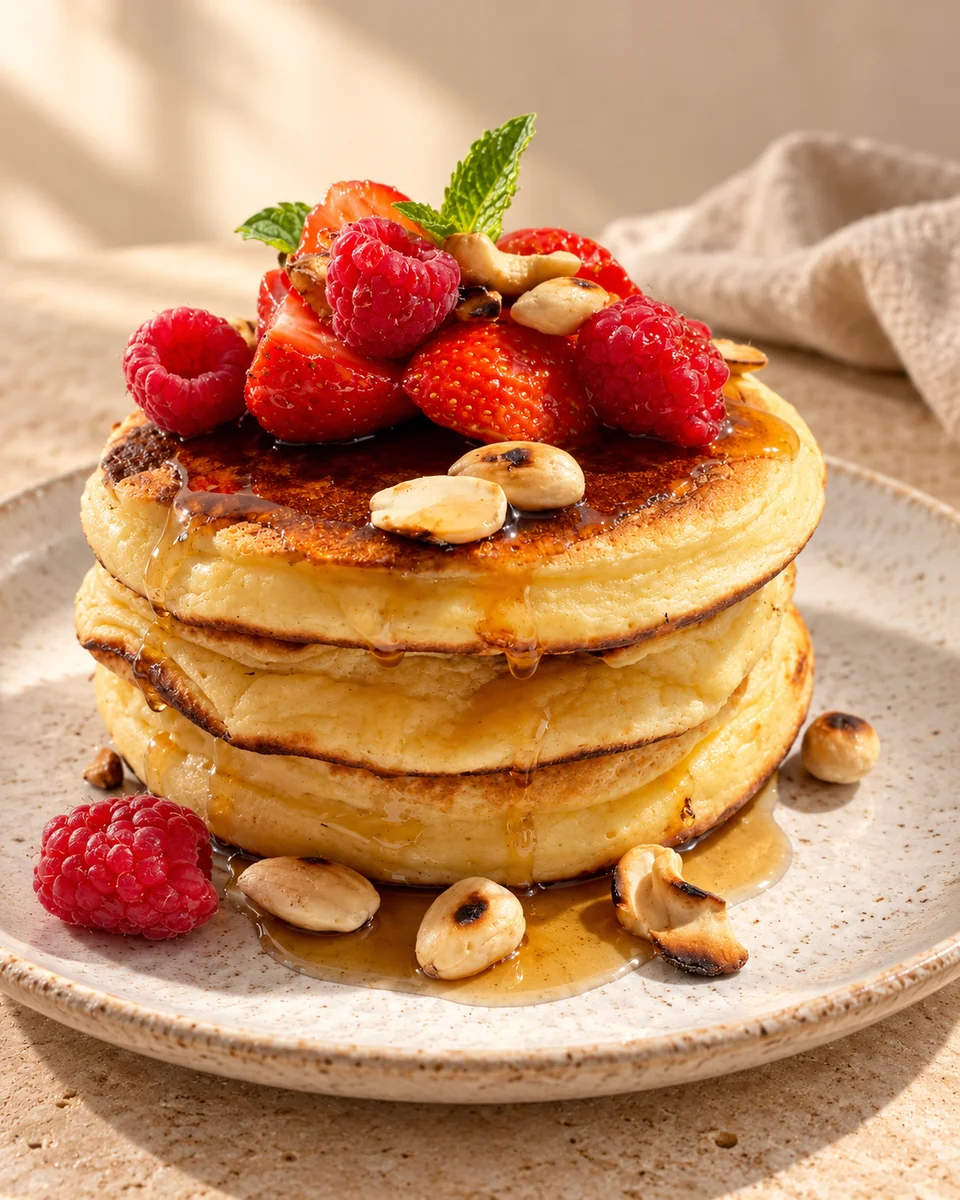
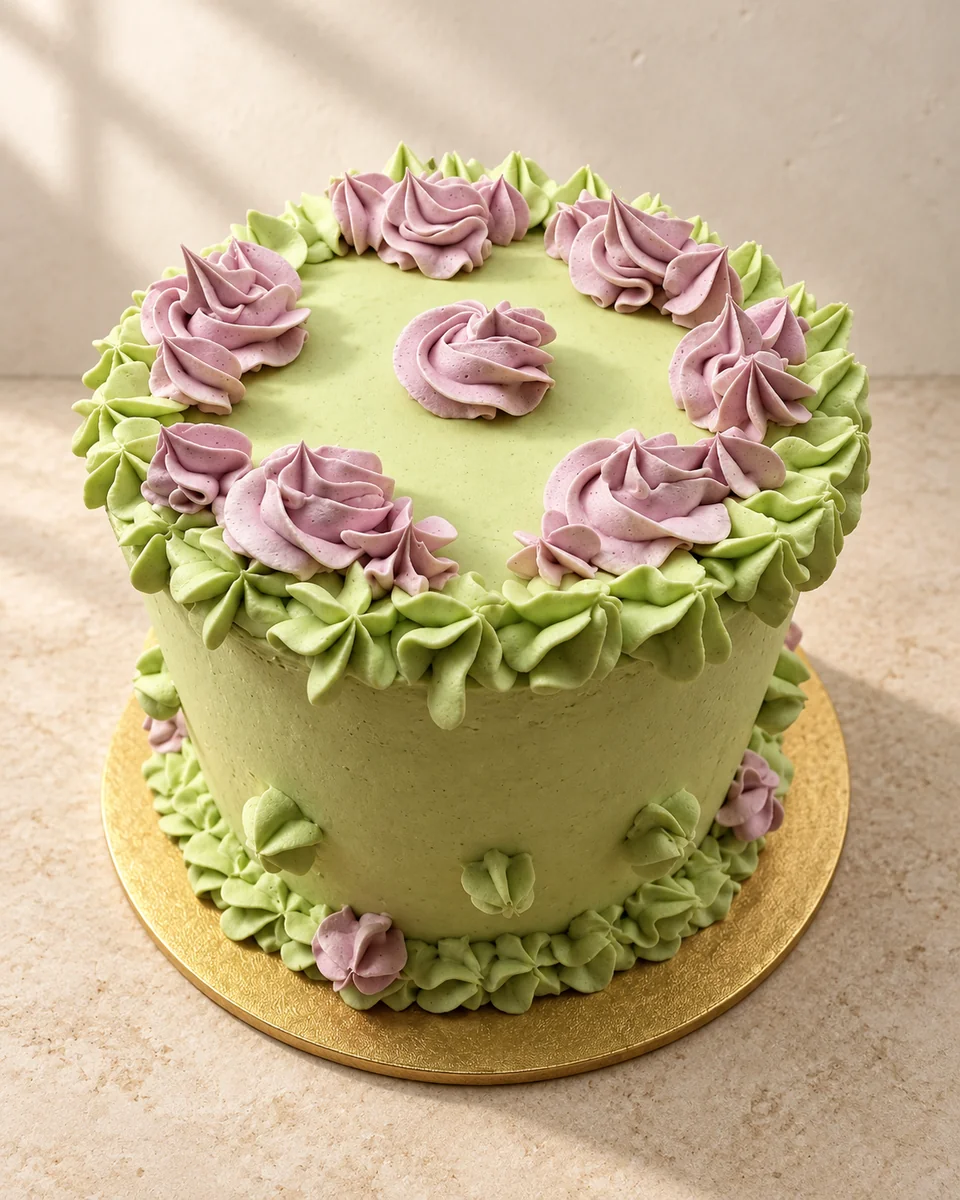
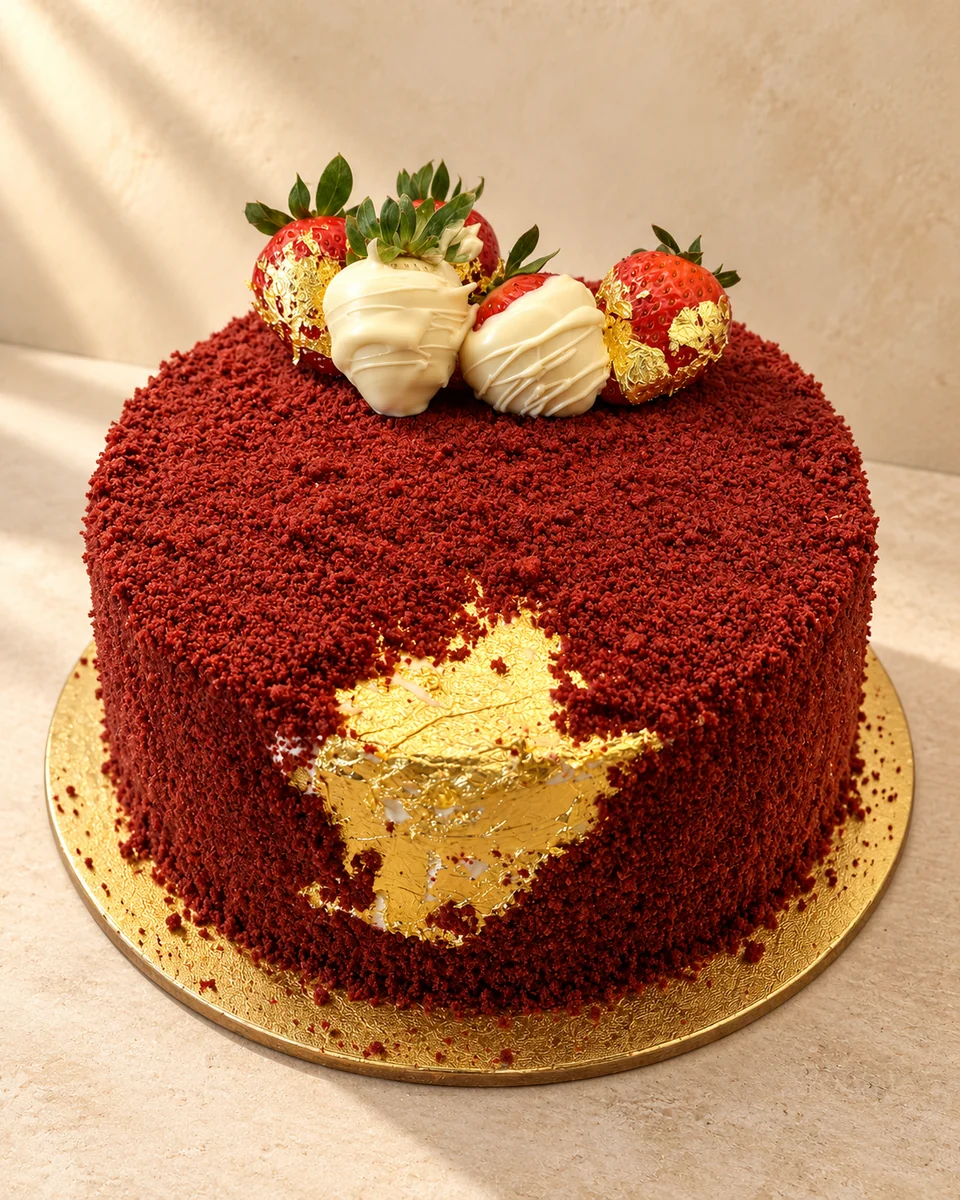
AI-styled imagery inspired by the creator’s own bakes and photographs.
YOUR NEXT GOOD IDEA STARTS HERE
A little less maths. A lot more you.